 The Frame and Focus
Smartphone Photography Tips to Rival Professional Camera Results
Unlocking the Potential of Smartphone Photography
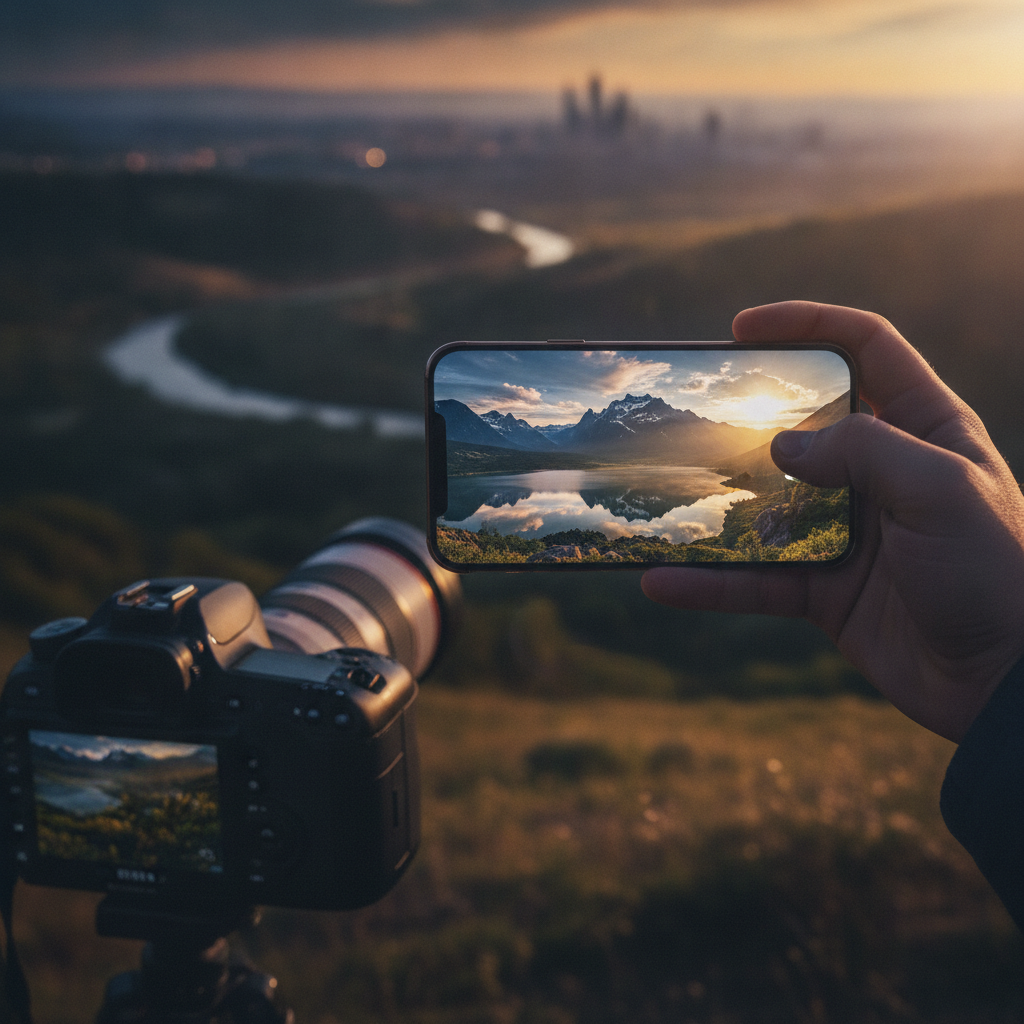
In the age of technology, the smartphone has become an essential tool for photography enthusiasts and casual users alike. With advancements in camera technology, smartphones now offer features that can rival those of professional cameras. Here are some tips to help you elevate your smartphone photography skills.
1. Understand Your Camera SettingsFamiliarize yourself with your smartphone's camera settings. Most smartphones come equipped with manual controls that allow you to adjust exposure, ISO, and white balance. Taking the time to explore these options can significantly improve the quality of your photos.
 2. Utilize Natural Light
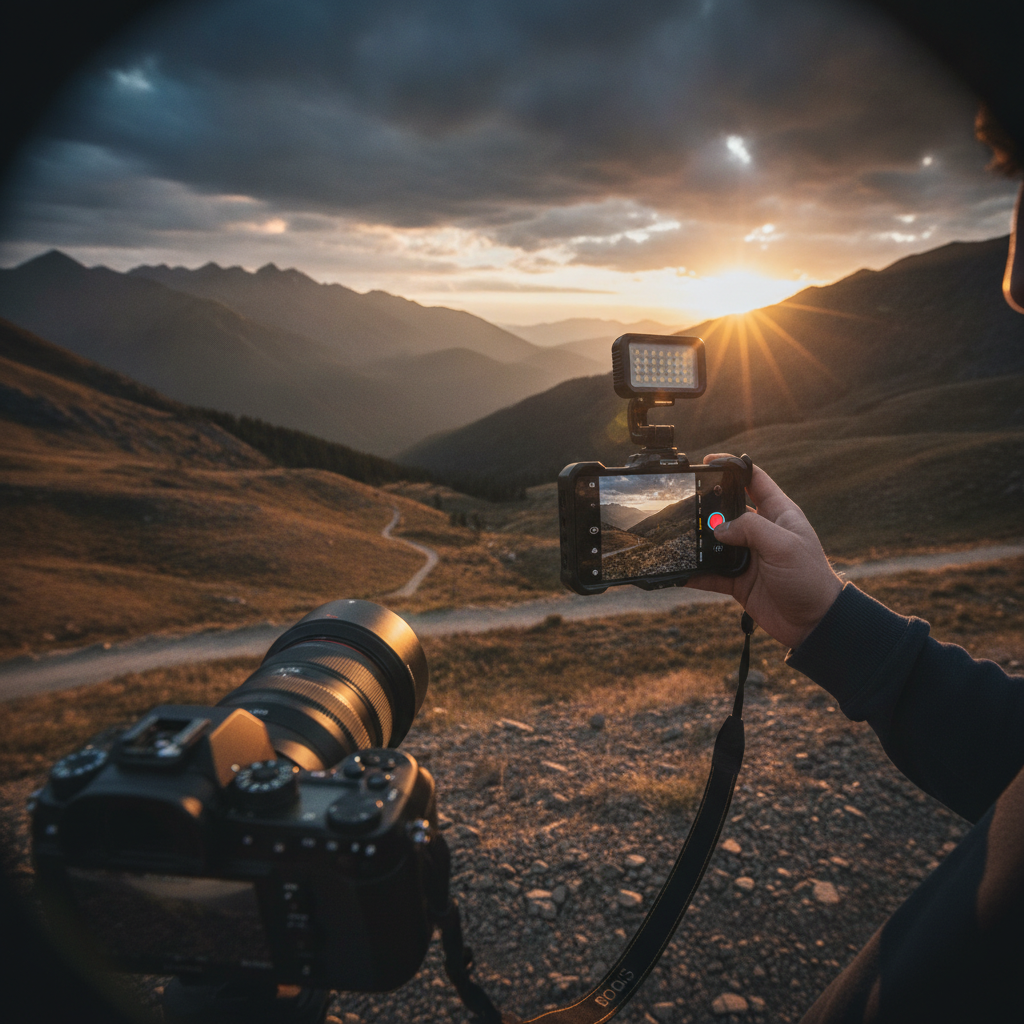
Lighting is crucial in photography. Whenever possible, shoot during the golden hour—shortly after sunrise or before sunset—when the light is soft and warm. Avoid harsh midday sun, as it can create unflattering shadows.
“Good light is everything in photography. It can transform an ordinary scene into something extraordinary.”3. Invest in a Tripod
Stability is key for capturing sharp images. Consider investing in a small tripod for your smartphone, especially for low-light situations or when taking long exposure shots. This will help eliminate camera shake and improve the overall clarity of your photos.
4. Experiment with CompositionApply the rule of thirds to create more engaging images. Imagine your frame divided into nine equal sections by two vertical and two horizontal lines. Place your subject at the intersections or along the lines to achieve a more balanced and dynamic composition.
5. Edit with PurposePost-processing can enhance your images significantly. Use editing apps available on your smartphone to adjust brightness, contrast, saturation, and sharpness. However, be careful not to over-edit; subtle adjustments often yield the best results.
“Editing is where the magic happens—it's the final touch that can elevate your photo from good to great.”6. Explore Different Angles and Perspectives
Don’t be afraid to get creative with your angles. Shoot from high above or down low to add interest to your images. Moving around your subject can also help you find the most flattering perspective.
7. Use Third-Party AppsConsider using third-party camera apps that offer advanced features and more control over your photography. Apps like ProCamera, Camera+ or Lightroom Mobile can provide functionalities and settings that the native camera app may lack.
By applying these tips and techniques, you can unleash the full potential of your smartphone camera and create stunning images that rival those taken with professional equipment. Happy shooting!