 The Frame and Focus
The Ultimate Guide to Editing Photos with Your Phone: Best Mobile Editing Apps Compared

Discover the Power of Mobile Photo Editing
In today's digital age, capturing stunning photographs has never been easier, thanks to the powerful cameras found in our smartphones. However, taking a great picture is only the first step; editing is where the magic happens. With numerous mobile editing apps available, it can be difficult to determine which one is best suited for your needs. In this article, we will compare some of the top mobile editing apps to help you elevate your photography game.
1. Adobe Lightroom
Best for Professional Editing
Adobe Lightroom is a favorite among both amateur and professional photographers. It offers a wide range of advanced editing tools, including a powerful RAW editor, presets, and easy adjustments for exposure, contrast, and color balance. The user interface is intuitive, making it accessible for beginners while still providing depth for more experienced users.
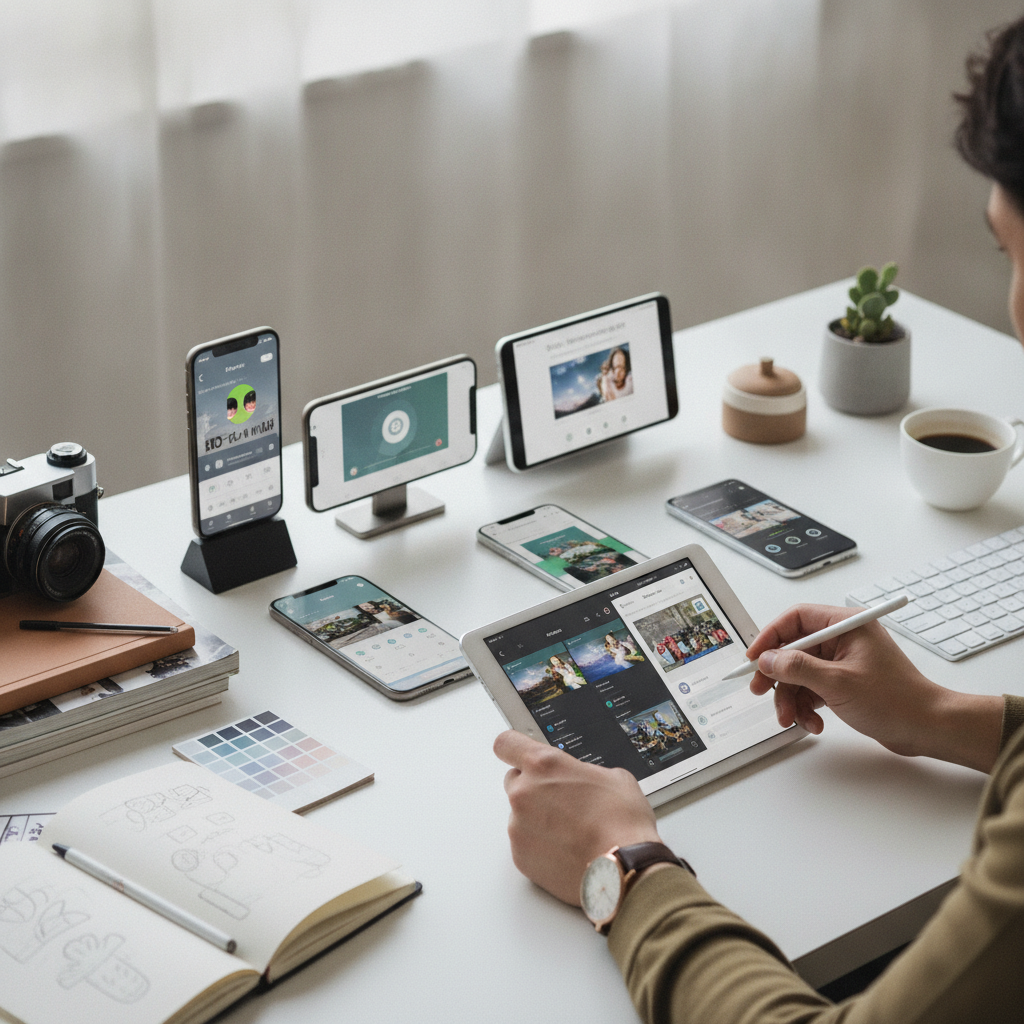
“With Lightroom, you can make your pictures pop effortlessly.”
2. Snapseed
Best Free Option
Snapseed, a Google product, is a fantastic free editing app that packs a punch with its extensive features. It includes filters, brushes, and a unique 'Healing' tool that allows you to remove unwanted elements from your photos. The app also provides various textures and templates, making it versatile for creative edits.
“Snapseed offers professional quality editing without the price tag.”
3. VSCO
Best for Filters and Aesthetic
If you love to create a cohesive aesthetic for your social media, VSCO is the perfect choice. Known for its stylish filters, VSCO allows users to edit photos and videos with a simple interface. The platform also functions as a social network, where you can share your creations and follow other photographers.
“VSCO is all about the vibe; it transforms ordinary photos into extraordinary art.”
4. PicsArt
Best for Creative Edits
For those who want to add a more artistic touch to their photos, PicsArt is an excellent app that combines photo editing with graphic design. It features a plethora of tools, including stickers, text options, and collage-making capabilities. This app is perfect for users who want to unleash their creativity and make unique, eye-catching images.
“PicsArt is where creativity meets functionality.”
5. Afterlight
Best for Simple Yet Effective Edits
Afterlight is perfect for users who prefer a straightforward editing experience without sacrificing quality. It offers essential editing tools along with a wide selection of filters and textures. The app is user-friendly and allows for quick edits, making it ideal for those on the go.
“Afterlight proves that sometimes, less is more in photo editing.”
Conclusion
With these top mobile editing apps at your fingertips, transforming your photos into stunning visuals is easier than ever. Whether you're looking for professional-grade tools or a simple editing experience, there's an app for everyone. Experiment with different apps to find the one that best suits your style and workflow, and watch your photography skills soar!